PDF Pattern Printing
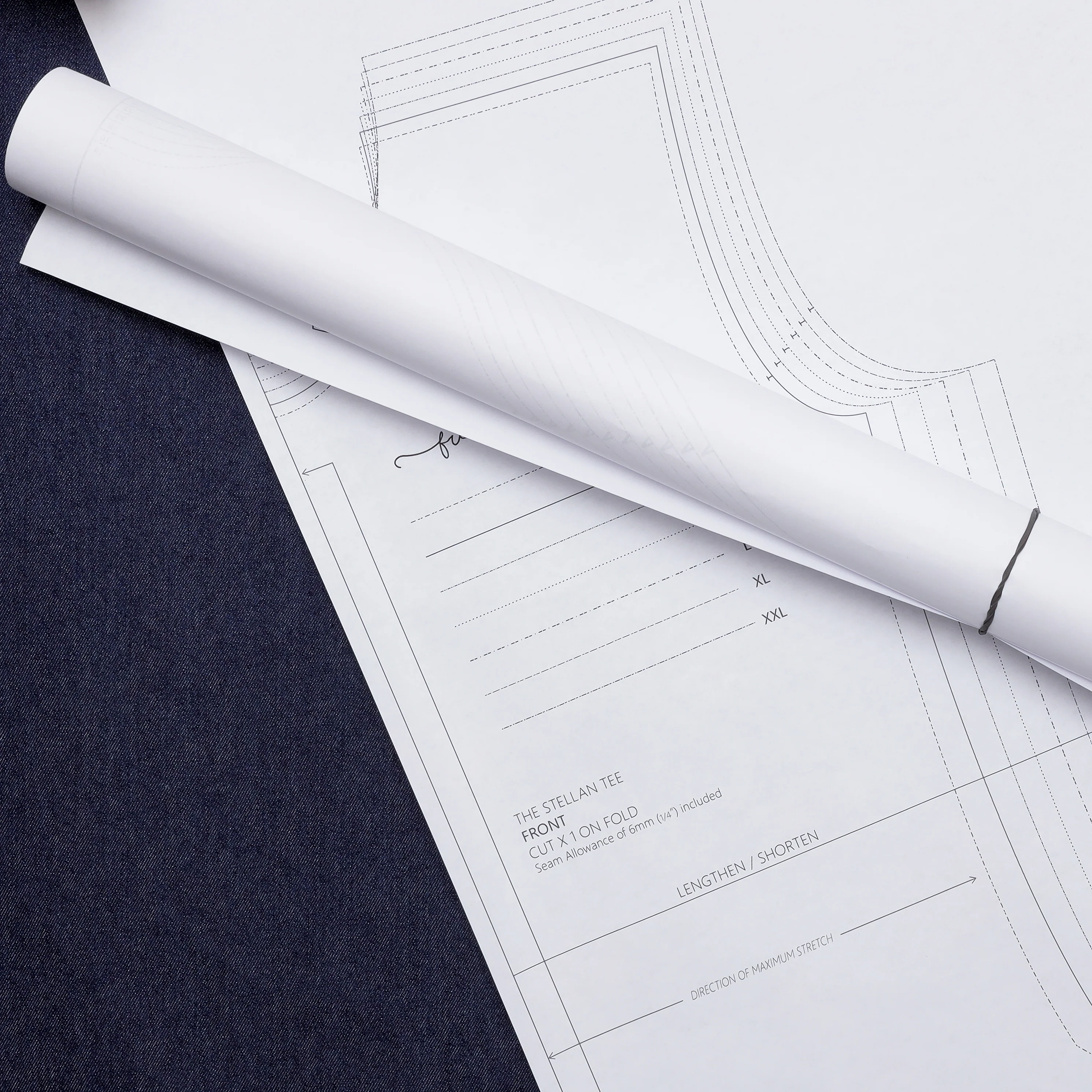
Do you have a PDF pattern that you can't ![]() wait to sew? Print your Black and White wide format patterns with us!
wait to sew? Print your Black and White wide format patterns with us!
How to Submit
Click HERE to watch a step-by-step video guide
-
Pattern Name: fill out the name of the pattern
-
Do you want to print specific pages or layers? If you would like specific pages or layers select YES. If you do not want either of these select NO and go to step 3
-
If you selected YES: fill out either or both of Specific Layers (with the specific sizes from your pattern) and Specific Pages
-
Not all patterns contain layers; if you asked for specific layers and your pattern does not contain layers it will be printed as is.
-
-
File Upload: click choose file and select the pattern that you would like printed. You can only upload single PDF files
-
Page Amount: using the drop-down menu select the number of pages that your pattern is
-
A0: the number of pages will be listed on the right hand side when opened in Adobe
-
Copy Shop file: 1 page is 48", if your pattern is longer than this please divide the total pattern length by 48" to get the page amount (see Printing FAQs to determine how long your pattern is)
-
-
If you would like duplicates of your pattern increase the number amount in the +/- box above Add to Cart
-
Add to cart
-
Only one pattern file can be submitted to your cart at a time, but you can have multiple print jobs in your cart. Just follow these steps for each pattern and then pay for them all together
-
Original: $2.95
-65%$2.95
$1.03More Images
PDF Pattern Printing
Do you have a PDF pattern that you can't ![]() wait to sew? Print your Black and White wide format patterns with us!
wait to sew? Print your Black and White wide format patterns with us!
How to Submit
Click HERE to watch a step-by-step video guide
-
Pattern Name: fill out the name of the pattern
-
Do you want to print specific pages or layers? If you would like specific pages or layers select YES. If you do not want either of these select NO and go to step 3
-
If you selected YES: fill out either or both of Specific Layers (with the specific sizes from your pattern) and Specific Pages
-
Not all patterns contain layers; if you asked for specific layers and your pattern does not contain layers it will be printed as is.
-
-
File Upload: click choose file and select the pattern that you would like printed. You can only upload single PDF files
-
Page Amount: using the drop-down menu select the number of pages that your pattern is
-
A0: the number of pages will be listed on the right hand side when opened in Adobe
-
Copy Shop file: 1 page is 48", if your pattern is longer than this please divide the total pattern length by 48" to get the page amount (see Printing FAQs to determine how long your pattern is)
-
-
If you would like duplicates of your pattern increase the number amount in the +/- box above Add to Cart
-
Add to cart
-
Only one pattern file can be submitted to your cart at a time, but you can have multiple print jobs in your cart. Just follow these steps for each pattern and then pay for them all together
-
Product Information
Product Information
Shipping & Returns
Shipping & Returns
Description
Do you have a PDF pattern that you can't ![]() wait to sew? Print your Black and White wide format patterns with us!
wait to sew? Print your Black and White wide format patterns with us!
How to Submit
Click HERE to watch a step-by-step video guide
-
Pattern Name: fill out the name of the pattern
-
Do you want to print specific pages or layers? If you would like specific pages or layers select YES. If you do not want either of these select NO and go to step 3
-
If you selected YES: fill out either or both of Specific Layers (with the specific sizes from your pattern) and Specific Pages
-
Not all patterns contain layers; if you asked for specific layers and your pattern does not contain layers it will be printed as is.
-
-
File Upload: click choose file and select the pattern that you would like printed. You can only upload single PDF files
-
Page Amount: using the drop-down menu select the number of pages that your pattern is
-
A0: the number of pages will be listed on the right hand side when opened in Adobe
-
Copy Shop file: 1 page is 48", if your pattern is longer than this please divide the total pattern length by 48" to get the page amount (see Printing FAQs to determine how long your pattern is)
-
-
If you would like duplicates of your pattern increase the number amount in the +/- box above Add to Cart
-
Add to cart
-
Only one pattern file can be submitted to your cart at a time, but you can have multiple print jobs in your cart. Just follow these steps for each pattern and then pay for them all together
-